Tom and Jerry Movies: How Were They Made? And What Are the Best AI Tools to Make Cartoon Movies for Free?
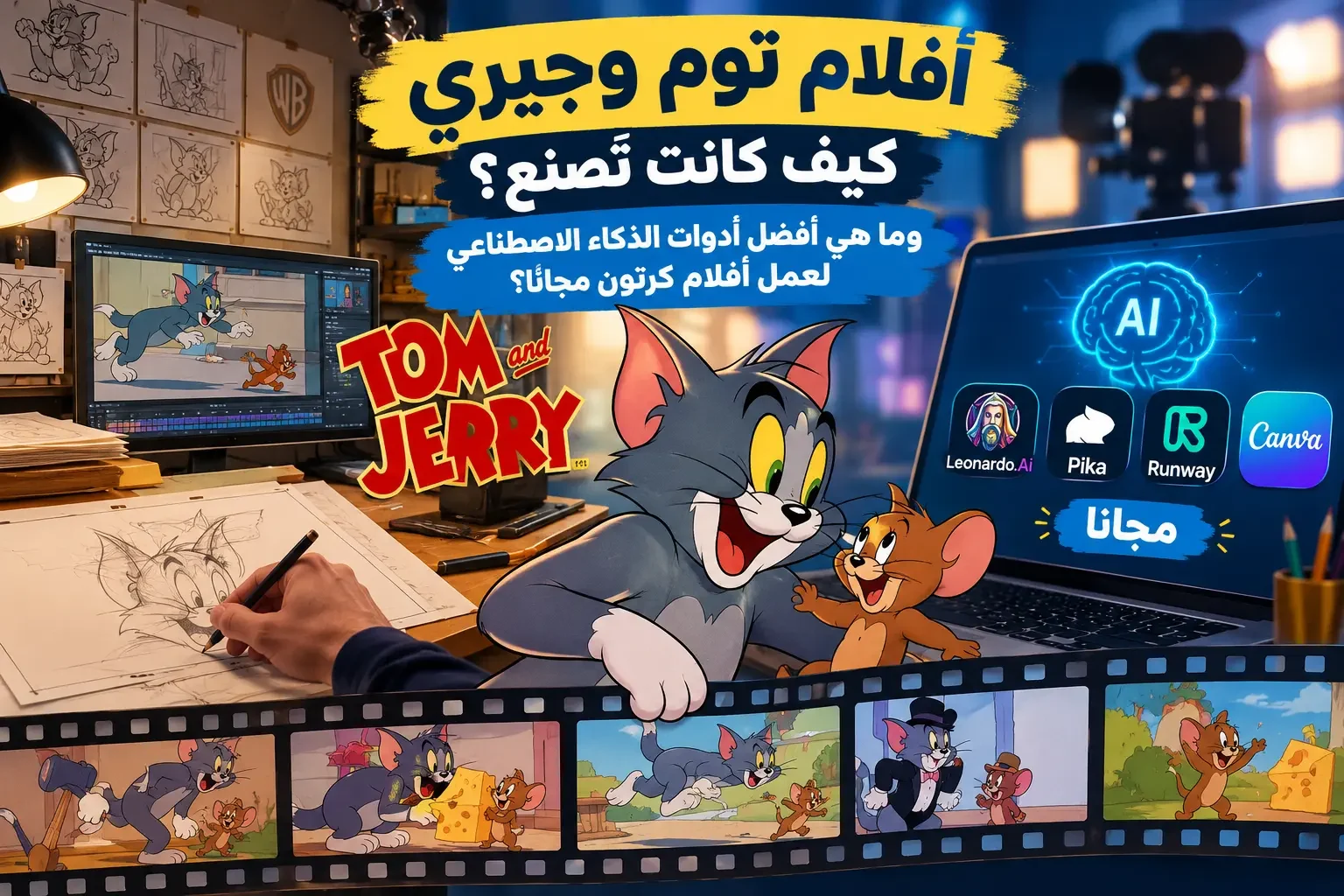
Who among us doesn't know Tom and Jerry? We all grew up watching their endless comedic chases, and in our childhood, we often wondered: How were Tom and Jerry episodes made in the first place? And what techniques did animation creators rely on to bring these scenes to life with such precision?
In this guide from Spider Info, we take you on a quick tour behind the scenes of classic cartoon production, and then move step-by-step into how to make cartoon movies using artificial intelligence using the latest tools available for beginners without any prior experience in drawing or animation.
Quick summary of what you will learn in this guide:
- How Tom and Jerry episodes were manually drawn and animated frame by frame.
- The best AI tools for character design, image animation, and voice generation.
- A practical 6-step plan to produce your first short cartoon video from your own idea.
- How to fix the features of a cartoon character so it appears in the same shape in every scene.
Behind the Scenes of Tom and Jerry and Old Cartoon Movies
Before diving into learning how to create cartoon movies with AI, it is important to understand the traditional method relied upon by early animation pioneers, and the huge difference between it and modern digital tools.
Cartoon production relied entirely on sequential manual drawing, where the artist draws the character in close poses with slight adjustments in each drawing compared to the previous one, and then these drawings are photographed and displayed in rapid succession to create the sensation of natural movement.
- Frame rate: When using 24 frames per second, a 3-minute scene requires about 4,320 frames.
- Effort saving in studios: To reduce the number of drawings, artists reused static backgrounds and some repetitive movement poses.
From Paper Drawings to the Golden Age of Cartoons
One of the most prominent early milestones in animation history is the film Fantasmagorie presented by French cartoonist Émile Cohl in 1908, in which he relied on manual drawings photographed frame by frame.
You can check out additional information about Émile Cohl and the history of animation via the National Center of Cinematography in France, or review the film's record in the Pacific Film Archive.
With the development of animation techniques, the golden age of animation emerged in the 1940s with the Tom and Jerry series created by William Hanna and Joseph Barbera at MGM studios.
And if you are thinking about investing your video production skills early, you can review the guide on ways to earn money while in school to learn practical ideas like creating visual content and learning editing and design.
How Were Tom and Jerry Episodes Made? (4 Main Stages)
The production of every classic Tom and Jerry episode went through four integrated stages requiring the cooperation of a large team of artists:
- Manual drawing and character animation: Drawing thousands of progressive poses for the character so that movement changes smoothly from one frame to the next.
- Inking and coloring on celluloid: Distributing work among layout artists, key animators, and clean-up artists, then transferring lines to transparent celluloid sheets and coloring them manually.
- Drawing separate backgrounds: Designing scene backgrounds with precise colors and artistic details that give the scene visual depth without needing to redraw the room in every frame.
- Music and sound effects: Composer Scott Bradley played a pivotal role in synchronizing melodies and sound effects with every movement and comedic chase.
Today, professional software like Blender software provides advanced tools for 2D and 3D drawing and animation, alongside AI tools that have saved a lot of time for beginners.
How Has Artificial Intelligence Changed Cartoon Movie Production?
AI tools have brought a qualitative shift in animation production; content creators can now turn a written idea into characters, backgrounds, and animated scenes with voiceover and effects without needing to master complex manual drawing.
Among the most prominent tools in generating images and visual content is Adobe Firefly, which provides capabilities to design visual elements along with commercial usage terms explained on its official website.
Important note: Artificial intelligence does not create a complete cartoon movie with a single click; rather, the success of the video remains dependent on your story planning, writing prompts accurately, unifying character looks, and reviewing the final editing.
Comparison Between Traditional Cartoon Production and AI Production
The following table illustrates the practical difference between traditional production steps and modern production steps with the help of artificial intelligence:
| Production Stage | Traditional Method in the Past | Using AI in Modern Times |
|---|---|---|
| Character Design | Repeated manual drawing from all angles | Writing precise text descriptions and generating reference images |
| Background Preparation | Separate manual coloring for each scene | Generating complete environments and scenes with text prompts |
| Scene Animation | Drawing thousands of sequential frames manually | Converting static images into short video clips |
| Voices and Dialogue | Full studio recording with voice acting teams | Converting text to natural speech or recording your own voice |
| Final Editing | Photographing celluloid sheets and assembling the strip | Merging clips and audio in quick editing software |
Can You Create a Cartoon Movie Without Experience in Drawing and Animation?
Yes, you can start even if this is your first experience, provided you scale your project gradually:
- Start with a short clip (30 to 60 seconds): Choose a simple idea like a cat trying to reach a piece of cheese before a mouse, and divide it into 4 or 6 short scenes.
- Focus on character consistency: If your goal is to produce a long cartoon series, you will need to use reference images and unify the textual description of the character in every scene.
- Respect intellectual property rights: Create your original characters in your own style instead of copying copyrighted characters like Tom and Jerry, and review the commercial use terms of each tool before enabling monetization.
Best AI Tools to Create Cartoon Videos
There is no single tool that performs all tasks with the same efficiency; therefore, work is divided into 4 categories of tools that complement each other. You can also check out my experience with Google AI and the problems of Google AI tools to learn about the pros and cons of Google's creative tools.
| Tool | Primary Function | Suitable Stage |
|---|---|---|
| Leonardo AI / Adobe Firefly | Generating cartoon character images and backgrounds | Initial visual design |
| Runway / Pika | Animating static images and turning them into video clips | Animating scenes and shots |
| ElevenLabs | Converting text into voice dialogue for characters | Voiceover and dubbing |
| Canva / Animaker | Assembling clips, adding music and transitions | Editing and final direction |
1. Cartoon Image and Character Design Tools
The first step is designing the characters and settings, and you can rely on:
- Leonardo AI for image generation: Allows generating cartoon characters and backgrounds with a feature to use reference images to maintain feature consistency.
- Adobe Firefly: A practical tool for turning text descriptions into high-quality images and designs.
2. Image-to-Animated-Video Tools
After preparing static images, animation tools are used to add movement to characters and the camera:
- Runway for image animation and video creation: Supports turning an image into an animated scene by describing the required motion.
- Pika for creating animated clips: Suitable for animating short shots and adding simple motion effects.
3. Voice and Dialogue Creation Tools
Sound represents half the fun of a cartoon video, whether through dialogue or comedic effects:
- ElevenLabs for voice and dialogue creation: Converts written texts into multi-toned voices suitable for different characters, with the ability to record your personal voice and add effects.
4. Editing and Scene Assembly Tools
In the final stage, you need to combine video and audio clips into one cohesive video:
- Canva for video editing: Ideal for arranging shots, adjusting audio synchronization, and adding texts and smooth transitions.
- Animaker for animation production: Provides templates and ready-made characters for quick animation for beginners.
How to Create a Cartoon Movie with AI Step-by-Step
To apply the above practically, we will execute an action plan to produce a short cartoon video (60 seconds) about a cat trying to reach a piece of cheese while a small mouse beats him to it in comedic situations.
Step 1: Writing a Short Cartoon Story Divided into Scenes
Always divide the story into 4 clear pillars so it is easy to turn into images and clips:
- Beginning: The cat appears and notices the piece of cheese on top of the table.
- Problem: The mouse suddenly appears and tries to grab the cheese first.
- Chase: Quick comedic situations between the two parties inside the kitchen.
- Ending: A funny surprise that ends the scene unexpectedly.
Prompt Template for Scriptwriting:
"Write a 60-second comedic cartoon movie script about a gray cat and a brown mouse competing for a piece of cheese inside a kitchen. Divide the story into 6 short scenes, and specify the description of each scene, character movement, and appropriate sound effects."
Step 2: Designing Cartoon Characters Accurately
Define the features of each character (body color, eye size, ear shape, and artistic style) and keep the same description to use in all generation prompts.
Prompt Template for Character Design:
"Design an original gray cartoon cat character, with large green eyes, a long tail, and playful facial expressions, in a 3D animation style suitable for a family comedy movie, against a simple background and clear lighting."
Step 3: Creating Story Backgrounds and Scenes
Prepare the angles of the setting where events take place (such as a wide shot of the kitchen, and a close shot of the table), while unifying the lighting, colors, and artistic style in all images.
Step 4: Animating Images and Turning Them into Video
Upload the scene image into the animation tool, and request one simple and clear motion in each shot rather than asking for multiple complex events all at once.
Prompt Template for Scene Animation:
"Animate the character in the image so the cat slowly approaches the table and looks at the piece of cheese, while the mouse appears from the side of the frame. Maintain the original character shapes and background with calm camera movement."
Step 5: Adding Dialogue and Sound Effects
Add sounds of light footsteps, comedic effects synchronized with movement, or character dialogue audio, taking care that background music does not overpower voice clarity.
Step 6: Assembling Scenes and Directing the Final Movie
Open the editing software to arrange the shots, and review the following checklist before exporting the video:
- Logical and smooth event sequencing from scene to scene.
- Deleting any shot where visual distortion or annoying character feature changes appear.
- Precise synchronization of sound effects with the moment of movement.
- Choosing appropriate video dimensions (horizontal 16:9 for YouTube, or vertical 9:16 for short clips).
6 Tips to Maintain Cartoon Character Consistency in Every Scene
Character feature changes from shot to shot are the biggest challenge facing beginners when using AI. To overcome this problem, follow these steps:
- Create a fixed character description card: Write a fixed description of body color, eyes, nose, and clothing, and copy it as-is in every new generation prompt.
- Rely on Character Reference images: Create a front and side view of the character on a plain background and use it as a visual reference inside the tool.
- Unify the artistic style and lighting: Do not mix 3D rendering and flat 2D drawing within the same movie.
- Create scenes one by one: Change only the motion description or camera angle while keeping the core character description fixed.
- Choose tools that support identity consistency: Prefer platforms that allow uploading multiple reference images for the character.
- Compare shots before editing: View scenes side-by-side and exclude any shot where face proportions or colors differ significantly.
Conclusion: From Tom and Jerry to AI Cartoon Production
The Tom and Jerry series remains an immortal example of how a simple idea and innovative comedic situations can live for decades. While animation in the past required drawing thousands of frames manually, today's AI tools give us the opportunity to turn story ideas into animated scenes at minimal costs.
Start now with a short story and original characters of your own invention, try the tools step-by-step, and follow Spider Info to discover more practical guides. Also read: Try GPT-6 yourself: 7 amazing AI experiments that will change how you use ChatGPT!